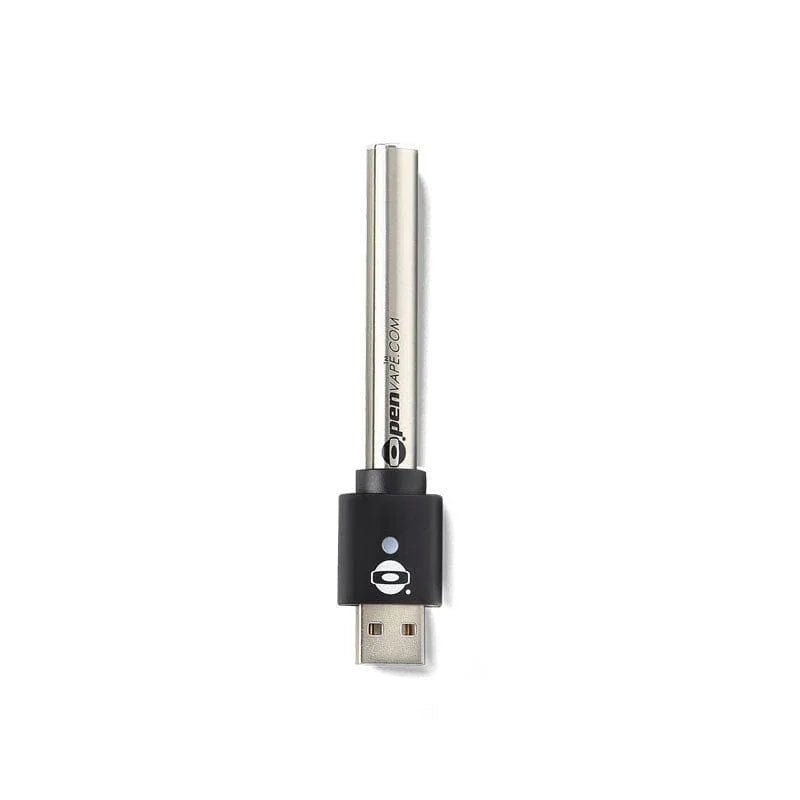
510-Thread Vape Pens: Convenient, Discreet, and Occasionally Troublesome
TL;DR: Most vape pen problems come down to four things — a low battery, a poor connection between the cart and battery, a clogged cartridge, or a compatibility issue. Charge the battery first, then clean the connection points with a Q-tip and rubbing alcohol, and make sure the cartridge is screwed on snug but not tight. If your pen is still blinking or not hitting after those steps, the fix is usually a different cartridge or a replacement battery.
510-thread vape pens are one of the most popular ways to consume THC. They are convenient, discreet, and generally easier on the lungs than smoking. However, when your vape pen stops working unexpectedly, it can be frustrating. There’s nothing worse than preparing for a smoke session only to get no vapor when you take a draw.
Before you buy a new vape pen, check out these vape pen troubleshooting tips to get your 510-thread battery or cartridge working again.
10. Vape Pen Blinking Red? Time to Recharge
If your vape pen blinks red when you inhale, it's signaling a low battery. Charge your vape battery using the proper voltage to prevent damage. Most vape pens use USB chargers, making it easy to charge anywhere. Always use the charger provided with your device to avoid potential issues with third-party chargers.
9. Blinking White? Check the Vape Pen Connection
A blinking white light usually means your battery isn’t making a solid connection with the cartridge. Try these steps:
- Unscrew and reconnect the battery, ensuring it's not too loose or too tight.
- Clean the connection point with a Q-tip and rubbing alcohol to remove debris or leaked oil.
- If the issue persists, use a paperclip to gently lift the connection plate on both the battery and cartridge to improve contact.
8. Difficulty Inhaling? Your THC Cartridge May Be Clogged
If you're struggling to pull vapor, the airway in your cartridge may be blocked by hardened oil. Fix this by:
- Removing the mouthpiece and blowing through it with a napkin to catch excess oil.
- Warming the cartridge by rolling it between your hands or placing it in a warm (not hot) environment.
- If the clog is severe, use a thin needle to clear the airway.
7. Clean the 510-Thread Mouthpiece in Hot Water
For a deeper clean, remove the mouthpiece (if possible) and soak it in hot water. After soaking, clean the inside with a toothpick or Q-tip to remove any remaining residue.
6. Cannabis Oil Stuck at the Top of Cartridge
If the last bit of cannabis oil is stuck at the top:
- Flip your cartridge upside down and let it sit in a warm area for a few hours.
- Use a hairdryer on a low setting to gently warm the glass cartridge (never heat plastic cartridges).
- Lightly tap the cartridge to encourage the oil to move downward.
5. Vape Pen Battery Overheating
Excessive use or exposure to high temperatures can cause your vape pen to overheat. To prevent this:
- Take breaks between puffs to allow the battery to cool.
- Keep your vape pen batteries away from direct sunlight and extreme heat.
- If overheating occurs, place the vape in a cool, dry area and allow it to return to room temperature.
4. THC Oil Tastes Burnt? Adjust the Temperature
Burnt-tasting THC oil is often a result of high voltage settings. To avoid this:
-
Use the lowest voltage setting (2.0-3.2V) for THC cartridges.
-
Avoid exceeding 4.0V to prevent burning the oil and degrading terpenes.
-
If the taste persists, check if your cartridge is empty or clogged.
3. Don’t Over-Tighten Your 510-Thread Cartridge
Over-tightening your cartridge can restrict airflow or damage the connection. If your having trouble getting airflow from your vape pen, try loosening the cartridge slightly and testing the draw again.
2. Vape Pen Battery Won't Turn On
If your vape pen won’t power on:
- Click the power button five times rapidly to check if it's off.
- Try a different charger or charging cable to rule out a power issue.
- If the light doesn't turn on when charging, your battery may be dead.
1. Replace the 510-Battery
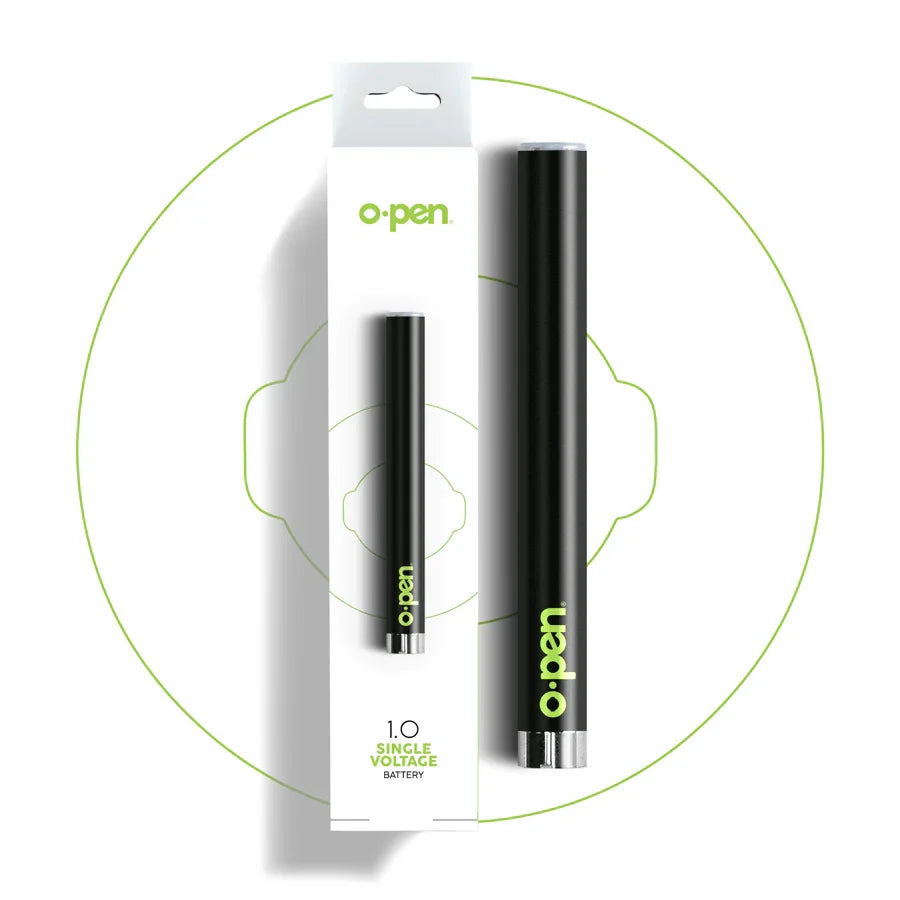
Lithium-based batteries have a limited lifespan and will eventually stop holding a charge. If troubleshooting doesn’t revive your vape battery, it may be time for a replacement. For a reliable, long-lasting option, check out our 510-thread batteries at O.pen, which come with a lifetime warranty!
By following these troubleshooting steps, you can quickly resolve most common vape pen issues and get back to enjoying a smooth vaping experience. Keep your device clean, use the proper charging equipment, and handle your cartridges with care to maximize their lifespan.
Frequently Asked Questions
Why is my vape pen blinking red? A red blinking light on your vape pen typically signals a low battery. Charge your vape battery using the charger that came with your device. Avoid third-party chargers, which can deliver incorrect voltage and cause issues.
Why is my vape pen blinking white? A blinking white light usually means the battery isn't making a solid connection with the cartridge. Unscrew and reconnect the cartridge — not too loose, not too tight. Clean the connection point with a Q-tip and rubbing alcohol to remove any oil residue or debris. If the issue continues, use a paperclip to gently lift the connection plate on both the battery and cartridge to improve contact.
Why is my vape pen blinking 10 times? A vape pen blinking 10 times is most commonly caused by low voltage, a poor connection between the battery and cartridge, or an incompatible cartridge. Check that the cartridge is properly seated, clean the connection points, and ensure the battery is charged. If the blinking persists with multiple cartridges, the battery may need to be replaced.
Why is my vape pen not hitting? If your vape pen isn't hitting, the most common causes are a dead battery, a clogged cartridge, or a poor connection between the cart and battery. Start by charging the battery fully. Next, check that the cartridge is screwed on correctly and that the connection points are clean. If the mouthpiece or airflow holes appear clogged, gently clear them with a toothpick or safety pin. If none of these steps work, test with a different cartridge to determine whether the issue is the cart or the battery.
Why is my vape cartridge clogged? Vape cartridge clogs are usually caused by thick oil condensing in the mouthpiece, improper storage (leaving the pen flat allows oil to settle unevenly), or frequent short draws that don't fully heat the oil. To clear a clog, gently warm the cartridge in your hands to thin the oil, then use a toothpick or safety pin to clear any blockage in the mouthpiece. Store your vape pen upright to help prevent future clogs.
Why does my vape cartridge have no airflow? No airflow in a vape cartridge is typically caused by a clogged mouthpiece, blocked airflow holes, or a connection issue between the cartridge and battery. Visually inspect the airflow holes and mouthpiece for blockages. Make sure the cartridge is connected securely — not too tight and not too loose. If airflow is still restricted after clearing blockages and reseating the cart, the cartridge itself may be defective.
Why does my vape pen taste burnt? A burnt taste usually means the atomizer is being heated without enough oil, the voltage is set too high, or the cartridge is nearly empty. Try lowering the voltage setting on your battery. If the cartridge appears low on oil, it may be time to replace it. Avoid chain-hitting your vape pen rapidly, as this can overheat the atomizer before it has time to re-saturate.
My vape pen battery won't charge — what should I do? If your vape battery isn't charging, first check that the charger connection is clean and fully seated. Wipe the battery's charging port and the charger contacts with a dry cloth or Q-tip. Make sure you're using the charger that came with your device. If the battery shows no sign of life after a full charging cycle with a verified working charger, the battery may have reached the end of its lifespan. O.pen 510-thread batteries come with a lifetime warranty for non-working devices.
Why is my vape pen cartridge leaking? Cartridge leaks most often occur from storing the pen on its side or upside down, overtightening the cartridge onto the battery, or temperature changes that thin the oil. Always store your vape pen upright. When attaching a cartridge, screw it in until snug — do not over-tighten. If oil has leaked onto the connection point, clean it with a Q-tip and rubbing alcohol before using.
How do I know if my vape pen cartridge is compatible with my battery? If your cartridge uses a 510-thread connection, it will be compatible with any 510-thread battery, including all O.pen batteries. Incompatibility is rare with standard 510 carts purchased from licensed dispensaries. If your battery blinks continuously when a cartridge is attached, the cartridge may be from an unlicensed brand with non-standard specs, or it may be defective. Try a different cartridge to confirm.