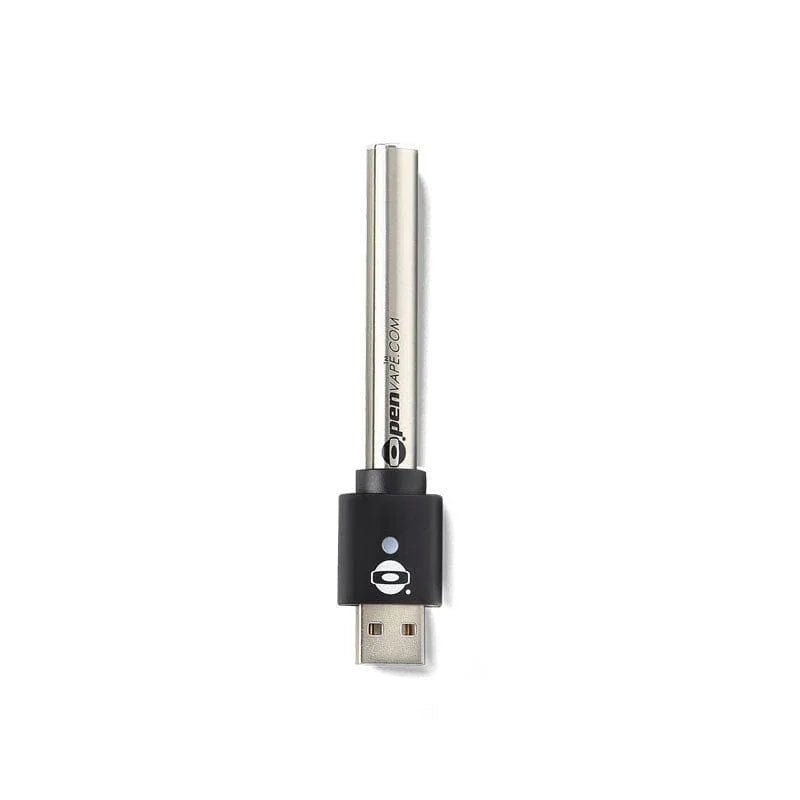
TL;DR: Most 510 thread batteries take 60–90 minutes to fully charge from empty. The O.pen 2.0 includes rapid charging and reaches a full charge in approximately 20 minutes. Charging time depends on battery capacity (mAh) and charger type. An LED indicator will turn green or turn off when charging is complete.
How Long Does a 510 Battery Take to Charge?
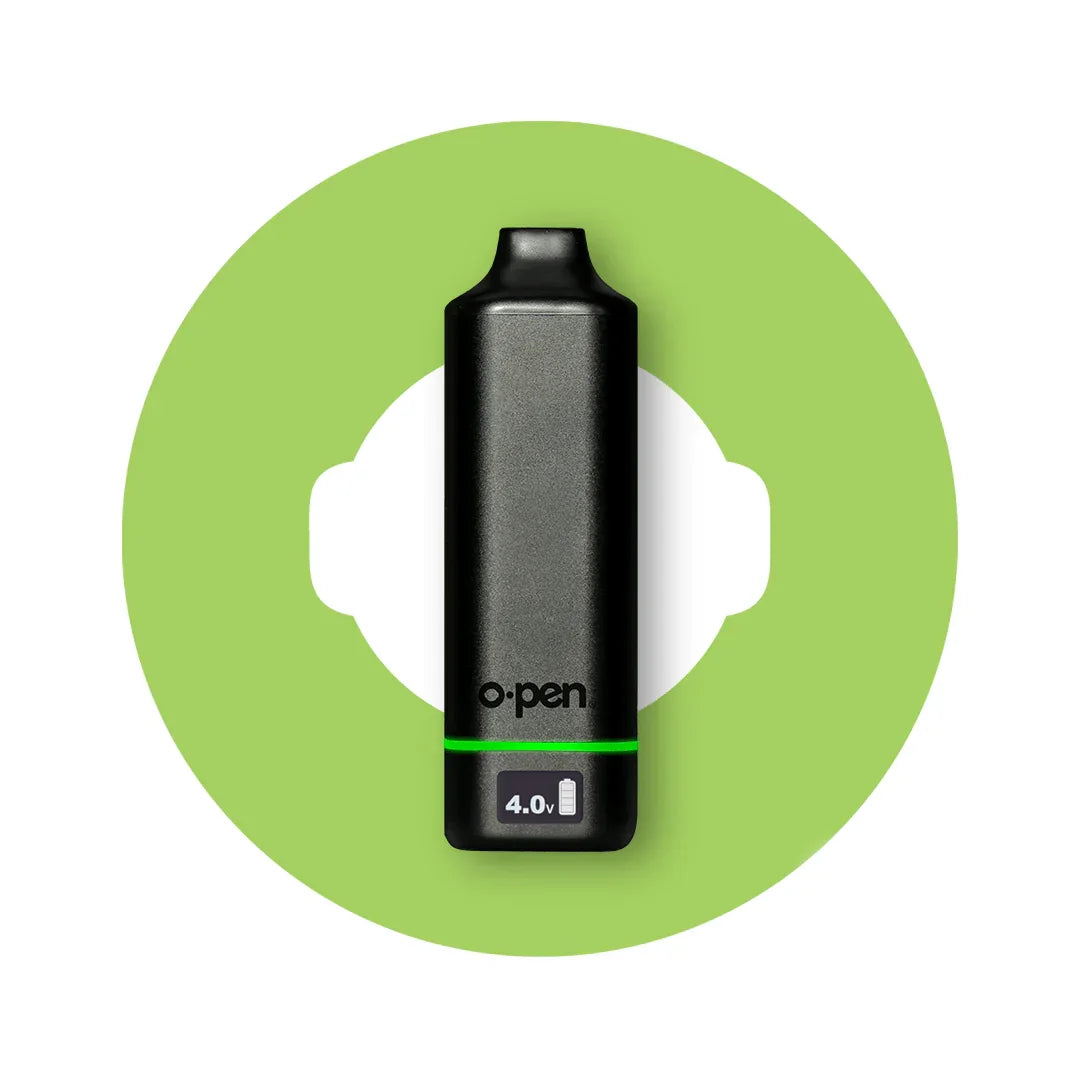
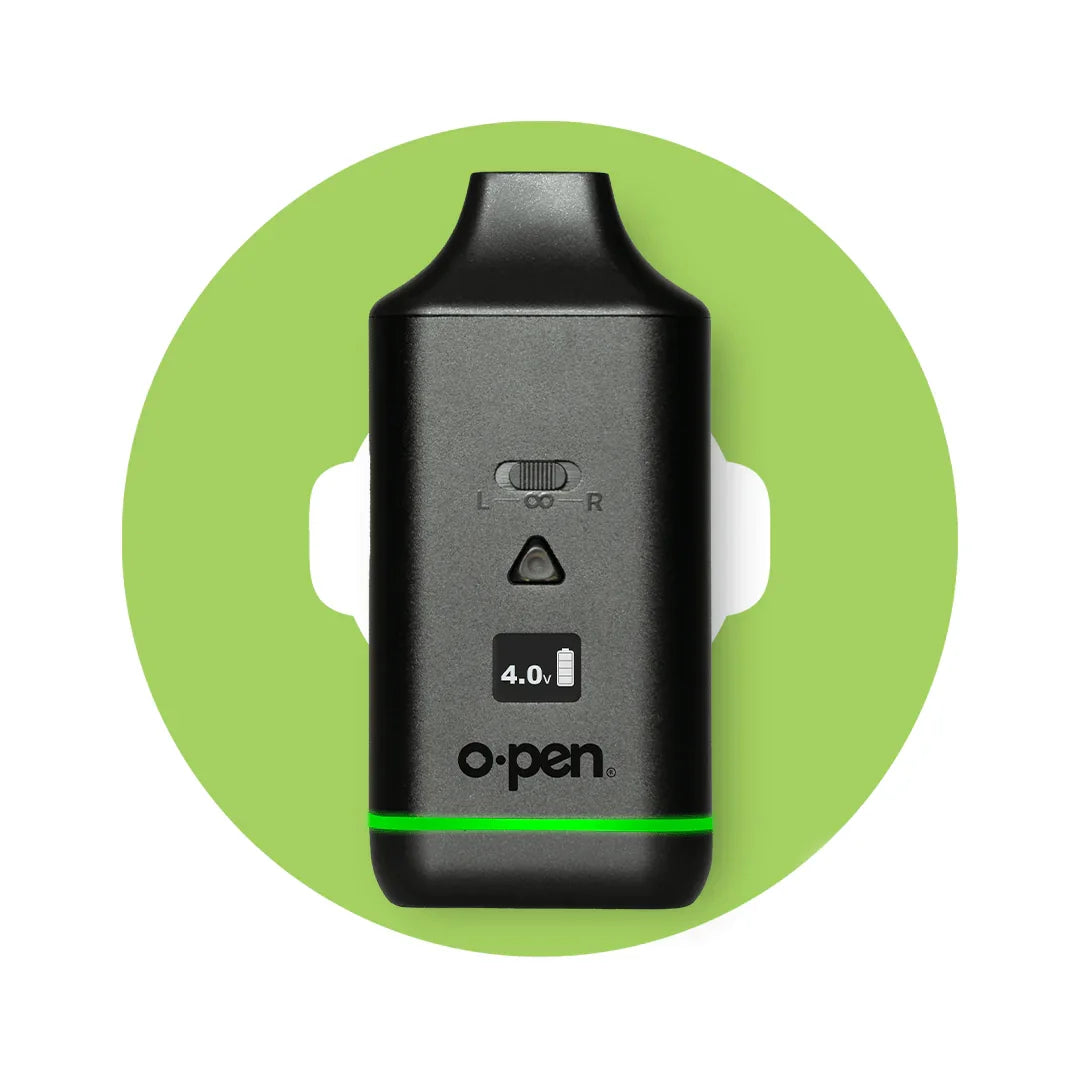
Most 510 thread batteries take between 60 and 90 minutes to fully charge from empty under standard charging conditions. Premium batteries with rapid charging — like the O.pen 2.0 — can reach a full charge in as little as 20 minutes.
Here's a quick reference:
| Battery Type |
Charge Time |
| Standard 510 battery (USB-C) |
60–90 minutes |
| Standard 510 battery (micro-USB) |
60–90 minutes |
| O.pen 2.0 (rapid charging) |
~20 minutes |
| O.pen 2.0 (standard charging) |
~60 minutes |
Charge times can vary depending on how depleted the battery is, the charger you're using, and whether the battery supports rapid charging. We'll break each of those down below.

What Affects Vape Pen Charge Time?
Three factors account for most of the variation in how long a vape pen takes to charge.
Battery Capacity (mAh)
mAh — milliamp hours — is the unit used to measure a battery's energy capacity. A higher mAh means longer use between charges, but it also means the battery holds more total energy and takes longer to refill. A compact 280mAh battery will charge faster than a 650mAh battery using the same charger. If you're choosing between two batteries and fast charging matters to you, check the mAh rating alongside the charging specs.
Charger Type and Wattage
The charger you use has a direct impact on charge speed. USB-C chargers generally support higher wattage than older micro-USB connections, which translates to faster charging. Always use the charger included with your battery or a compatible replacement — using an underpowered charger will slow down charge time, and using a charger that delivers too much wattage for a battery that doesn't support it can cause issues.
Rapid Charging vs. Standard Charging
Rapid charging (sometimes called fast charging) uses higher current to fill the battery faster — without sacrificing battery health when implemented correctly. The O.pen 2.0 Variable Voltage Battery activates rapid charging by swiping the O. logo on the magnetic charger, cutting charge time from ~60 minutes down to ~20 minutes. Not all 510 batteries support rapid charging — it's a feature worth looking for if you charge frequently or can't afford to wait.
How to Know When Your Vape Pen Is Fully Charged
Most 510 batteries use an LED indicator to communicate charging status. Here's what to look for:
-
Solid red or amber light while charging — battery is charging and not yet full.
-
LED turns green — battery is fully charged.
-
LED turns off — on some models, the light simply goes off when charging is complete.
-
Blinking light — on some batteries, a blinking LED during charging indicates a connection issue. Try reseating the charger.
Refer to the manual for your specific battery model if you're unsure what the LED pattern means. O.pen battery LEDs follow the standard convention: red while charging, green when done.
Avoid leaving your battery on the charger for extended periods after it's full. Most modern lithium batteries have protection circuits that prevent overcharging, but it's still good practice to unplug once the LED signals a full charge.
O.pen Battery Charge Times (By Model)
Here's a breakdown of charge times for current O.pen 510-thread batteries:
O.pen 2.0 Variable Voltage Battery Approximately 20 minutes with rapid charging activated (swipe the O. logo on the magnetic charger). Standard charging: approximately 60 minutes.
O.pen 3.0 Conceal / Conceal Dual Approximately 60–90 minutes via standard USB-C charging.
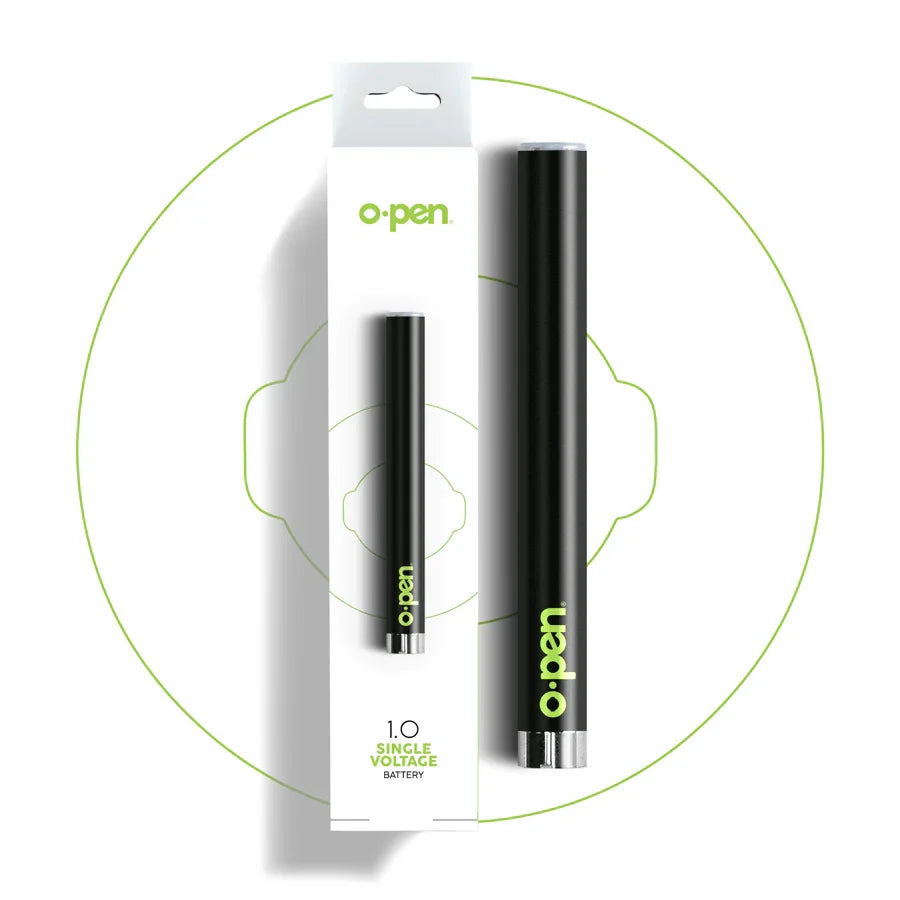
O.pen 1.0 Auto-Draw Battery Approximately 60 minutes via standard charging.
O.pen ISH Battery Approximately 45–60 minutes via standard charging.
All O.pen batteries include a charging cable in the box. If you've misplaced yours, use a compatible USB-C or magnetic cable — do not use a high-wattage laptop charger or tablet adapter with batteries that don't specify support for higher wattages.
Tips for Charging Your 510 Battery Safely
A few habits that extend the life of your 510 battery and keep it charging reliably:
Don't let it die completely before charging. Lithium batteries last longer when you avoid full depletion. Recharging at around 20–30% remaining is better for long-term battery health than running it to zero every time.
Charge at room temperature. Charging in very cold or very hot environments stresses the battery. If your battery has been in a hot car or very cold bag, let it return to room temperature before plugging in.
Use the included charger when possible. Third-party chargers can work fine, but they introduce a variable. The charger that ships with your O.pen battery is tested and matched to its specs.
Keep the connection points clean. If your battery isn't charging reliably, check the contacts on both the battery and the charger for residue or debris. A dry cotton swab can clear most buildup.
Don't charge overnight. Even with overcharge protection, leaving any battery plugged in for hours past a full charge is unnecessary. Charge it, unplug it, use it.
Frequently Asked Questions
How long does it take to charge a vape pen? Most 510 thread vape pen batteries take 60–90 minutes to fully charge. Batteries with rapid charging capability, like the O.pen 2.0, can charge in approximately 20 minutes.
How long does a 510 battery take to charge? A standard 510 battery takes 60–90 minutes from empty to full. Charge time varies based on battery capacity (mAh), the charger being used, and whether the battery supports rapid or fast charging.
How do I know when my vape pen is done charging? Look at the LED indicator on your battery. Most 510 batteries will show a red or amber light while charging and switch to green — or turn off — when fully charged. Refer to your battery's manual for the exact LED behavior.
Can I overcharge my 510 battery? Modern lithium batteries include protection circuits that prevent overcharging. That said, it's good practice to unplug your battery once it's fully charged rather than leaving it connected indefinitely.
Why is my vape pen taking so long to charge? If your battery is taking longer than expected, check that you're using the correct charger, that the connection is clean and secure, and that you're not charging in a very hot or cold environment. A significantly degraded battery may also charge more slowly.
Does the O.pen 2.0 come with a rapid charger? Yes — the O.pen 2.0 includes a magnetic charger that supports rapid charging. Swipe the O. logo on the charger to activate rapid charging mode, which brings the battery to a full charge in approximately 20 minutes.
Is it bad to charge my vape pen every day? Daily charging is fine as long as you're not fully depleting the battery each time. Recharging before the battery hits zero is actually better for the long-term health of the lithium cell.